
BCA Virtual Inspection
Virtual TOP and CSC inspection, captured and ready for BCA
BCA now inspects completed buildings from a 360 or LiDAR capture instead of a walk by its officers. Kodifly captures the building on the approved floor plan, gives BCA a viewer to review and tag it, and keeps your answers and photo evidence against each comment. On JTC projects every capture is tagged to its clause in the 360 Virtual Inspection Checklist (Industrial) Version 1.0.
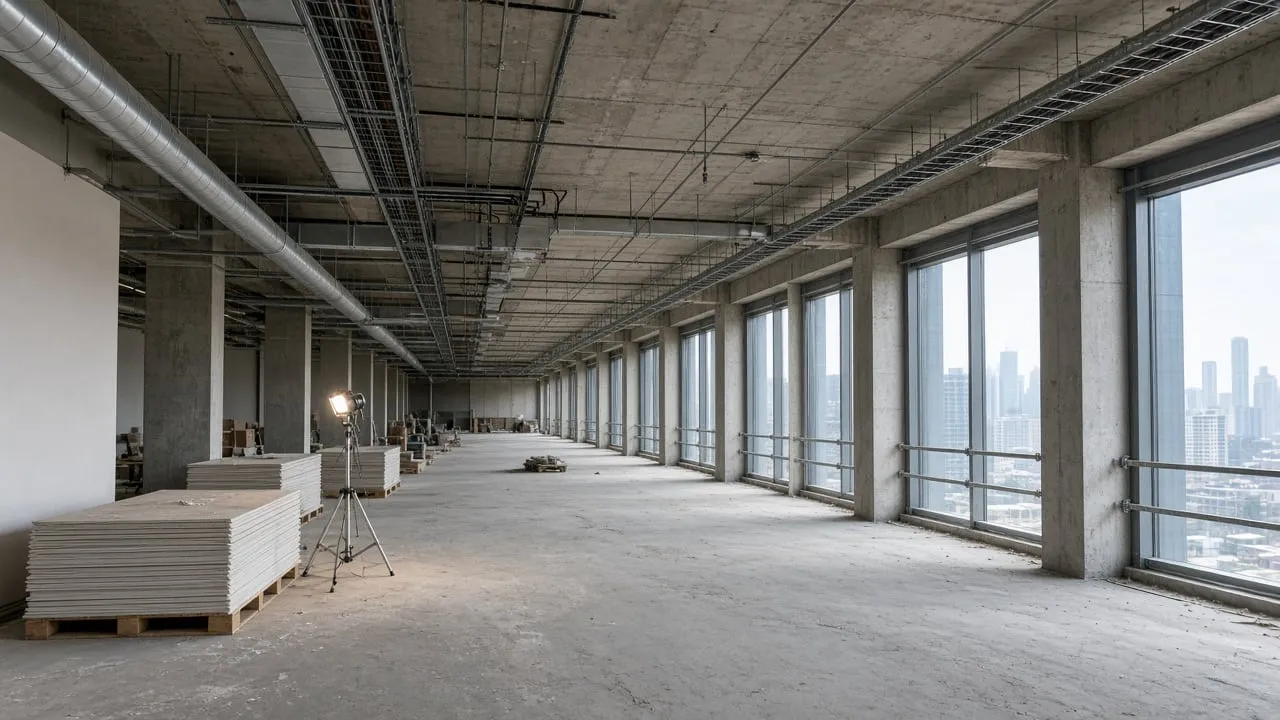
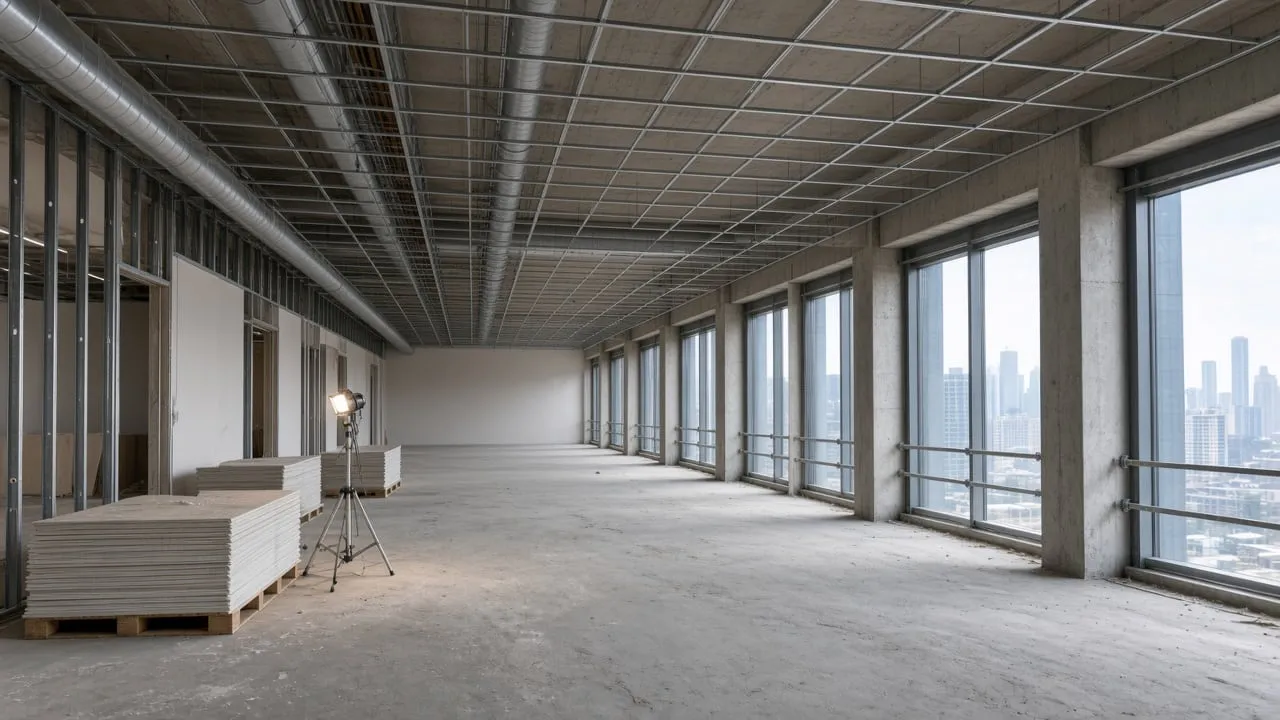
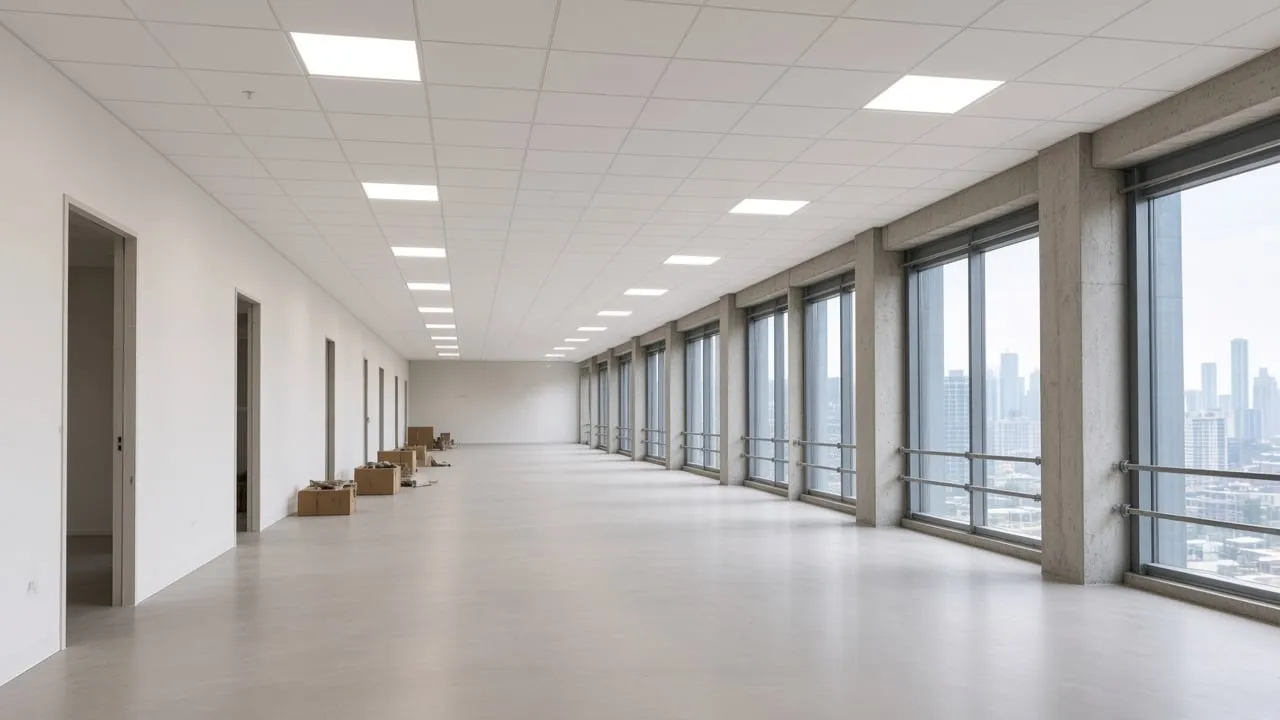
- Replaces
- A physical TOP or CSC inspection, or part of a hybrid one
- Capture
- 360 camera of at least 6K, or LiDAR
- Reviewer
- BCA, from a viewer link
- Reported by BCA
- 70+ projects completed
- JTC checklist
- 360 Virtual Inspection Checklist (Industrial) Version 1.0
- QP support
- Until BCA accepts the Virtual Inspection Plan and submissions
- 70+
- projects have completed a virtual inspection with BCA.
- 60%
- the best inspection productivity saving BCA reports.
- 2
- capture methods, 360 and LiDAR, on one record.
Everything BCA asks of the capture, delivered.
10 of 10 included
360 helmet capture at walking pace
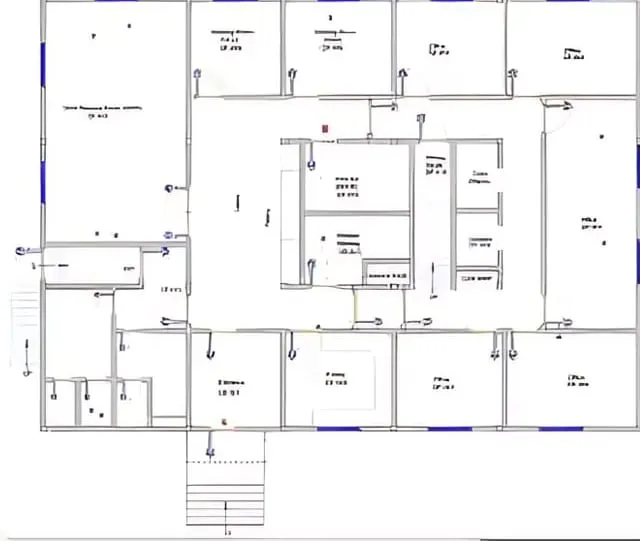
Every capture pinned to the approved plan
Continuous and spot capture
LiDAR measurements saved on the platform
BCA viewer access and comments
Photo evidence on every comment
Phased submission by block or level
Comments report for the QP
Evidence tagged to each checklist clause
QP support until BCA acceptance
From last fit-out to closed inspection.
Plan the capture
Zones and routes follow the Virtual Inspection Plan.
Walk the building
A 360 walk or a LiDAR scan, with close-up measurements.
BCA reviews
BCA views the capture and tags each comment in place.
Close each comment
Answer with a photo, mark it resolved, and BCA closes.
Answer BCA in the same view.
Every comment sits pinned where BCA raised it. Attach a photo, reply and resolve it without leaving the capture. Phased submission lets rectification start on one block while the next is still being captured.

JTC projects and the 360 Virtual Inspection Checklist (Industrial)
JTC Robotic and Automation specifications require full compliance with BCA's 360 Virtual Inspection Checklist (Industrial) Version 1.0. The contractor provides as-built evidence of compliance, actively assists the Qualified Person to prepare and submit the Virtual Inspection Plan, and keeps supporting until BCA accepts the plan and the submissions. The work also follows JTC's Employer's Information Requirements (EIR) for buildings.
Kodifly delivers all of it. We assess site conditions against the checklist, flag non-compliance risks early so they are rectified before submission, collate the photo, dimension and 360 evidence in order, and prepare draft submissions for the QP to review. Support continues through every BCA clarification and rectification until acceptance, at no extra cost to the employer.
Clause-tagged evidence
Every 360 position tagged with its checklist clause.
Each capture point carries the clause it proves and the measured value, for example 7.2.1, clear opening of 850 mm at the main entrance. The QP and BCA open the clause and land on the evidence, with the photo, the laser measurement and the 360 view together.
- Labelled by location and checklist reference
- Every non-typical level, accessible and non-accessible zones
- Measurements logged against the clause value
Checklist clauses we tag, with examples
Examples from the 360 Virtual Inspection Checklist (Industrial) Version 1.0. Every clause that applies to the project scope is reviewed and evidenced.
| Space | Item | Clause |
|---|---|---|
| Main entrance | Clear opening of at least 850 mm for a single leaf | 7.2.1 |
| Main entrance | Manoeuvring space of 1250 mm by 1500 mm deep | 7.2.2a |
| Accessible washroom | Minimum clear dimension of 1750 mm | 5.2.1a |
| Lift lobby | Manoeuvring space of 1200 mm wide by 1500 mm deep | 4.9.1.3 |
| Staircase | Riser under 175 mm, tread over 250 mm | E.3.4.1, E.3.4.2A |
| Corridors, staircases and roofs | Safety barrier height over 1 m | H.3.2.1a |
| Parking and driveways | Headroom over 2.2 m | C.3.2.2 |
| Accessible routes | Gratings and gaps under 12 mm | 4.1.2.1 |
Equipment, to the JTC minimum
All supplied and run by Kodifly.
- 360 camera
- Dual-lens 8K, such as the Insta360 X6 or DJI Osmo 360, above BCA's 6K and the 5.7K contract minimum
- Digital camera
- At least 20 MP with a wide-angle lens, for compliance photos
- Laser distance measurer
- ±2 mm accuracy, range of at least 100 m
- Tablet or laptop
- i7 processor, 16 GB RAM, 512 GB SSD, Wi-Fi
- Tripod
- Adjustable mount for the 360 camera and the digital camera
- Smartphone
- 5G, for camera control and quick uploads
- Backup storage
- Encrypted external SSD of at least 2 TB
See your building ready for TOP
Book a demoSoftware, licensed and in use
- 360 stitching
- Stitches and exports walkthroughs in accepted formats
- Virtual tour platform
- SpatialSense, to upload, annotate and share inspections with the QP and authorities
- Photo annotation
- Marks dimensions and compliance features on photos
- PDF compilation
- Builds submission documents with bookmarks and hyperlinks
- Measurement verification
- Exports dimension verification logs
- Cloud storage
- Shares large files securely with the QP and client teams
- Video editing
- Trims and labels walkthrough videos for submission
The submission pack we prepare
Prepared for the QP to review and sign before it goes to BCA.
Evidence
- Detailed compliance checklists referencing the specific clauses, for QP sign-off
- As-built drawings showing dimensions and spatial layouts
- Photo evidence of each item, labelled by location and checklist reference
- 360 walkthrough videos or images of each relevant space and facility
Statements and checklist
- Certification and compliance statements for safety barriers, signage and accessibility fittings
- The full Virtual Inspection Checklist (Industrial), completed and built into the final submission
- Editable and final soft copies, in the formats the QP needs
Proven on real sites.
- 100+
- sites run Kodifly systems across Asia and the Middle East.
- ~20
- Hong Kong public works contracts run SmartEye on Kodifly sensors.
- Gold
- CIC AI Award 2026 for SmartEye, the platform Kodifly supplies sensors for.
The same capture, put to work
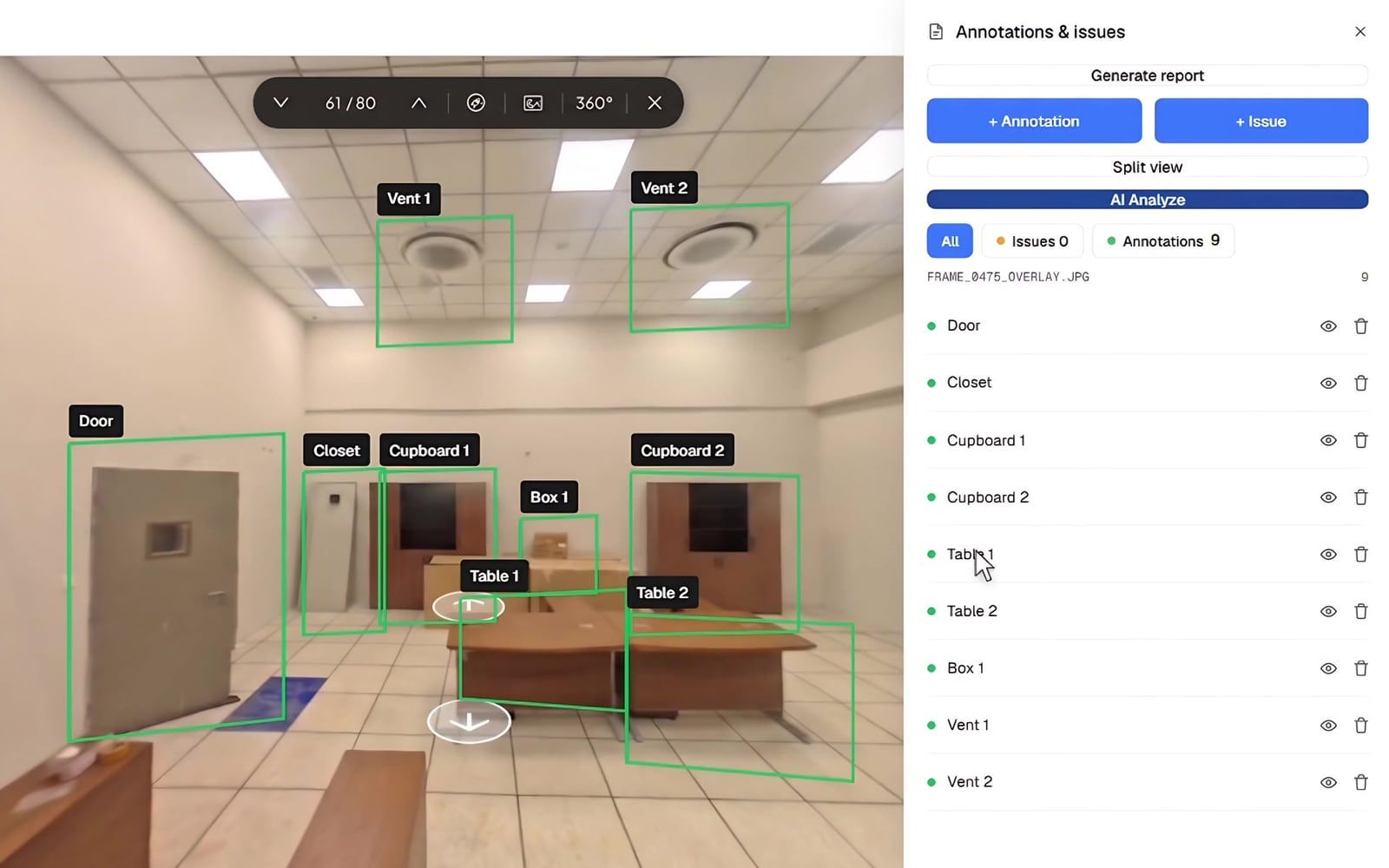
Checklist items tagged in the photo.
Each checklist item, such as 7.2.1 clear opening 850 mm, is checked during the 360 walk. Open items are boxed in the photo and raised as issues.
Guides and detail pages
360 camera requirements
BCA's 360 camera requirements for virtual TOP/CSC inspection in Singapore: at least 6K, dual one-inch sensors, 60 to 90 minutes of battery, and the cameras that fit.
Virtual inspection questions
What is a virtual TOP or CSC inspection?
BCA reviews a 360 or LiDAR capture of the completed building instead of walking it. The capture replaces a physical Temporary Occupation Permit or Certificate of Statutory Completion inspection, or forms part of a hybrid one. BCA reports that more than 70 projects have completed virtual inspections.
Does Kodifly deliver virtual inspection?
Yes. Kodifly captures the building on a 360 helmet camera or by LiDAR, pins every capture to the approved plan, gives BCA access to review and tag comments, and keeps your answers and photo evidence against each one.
What 360 camera is required for a BCA virtual inspection?
BCA's Guidebook for Virtual TOP/CSC (360 Capture) sets a 360 camera of at least 6K resolution with dual one-inch CMOS sensors, low-light capability, 60 to 90 minutes of continuous recording and six-axis stabilisation. SpatialSense works with the Insta360 X4, X5 and X6 and the DJI Osmo 360, all 8K. The X6 and Osmo 360 have the sensors closest to the one-inch figure. The 360 camera requirements guide lists every camera and platform item.
Who instructs the capture?
The Qualified Person assesses whether the project suits virtual inspection, approaches BCA for pre-consultation and instructs the capture under the Virtual Inspection Plan. Kodifly runs the capture and the platform.
Can we submit in phases?
Yes. BCA lets the project team split the site into several scans and submit each completed phase for review. Kodifly sets up capture by block, level or zone, so rectification can start earlier.
What about LiDAR?
For LiDAR capture, the Qualified Person saves the measurements digitally on the platform against BCA's checklist. SpatialSense measures on the point cloud and keeps each measurement with its capture.
What do JTC projects require for virtual inspection?
JTC Robotic and Automation specifications require full compliance with the 360 Virtual Inspection Checklist (Industrial) Version 1.0, as-built evidence for each applicable clause, a submission pack signed off by the QP, and support for the QP until BCA accepts the Virtual Inspection Plan. Kodifly delivers each of these.
How long does Kodifly support the QP?
Until BCA formally accepts the Virtual Inspection Plan and submissions. That includes answering BCA's clarifications, adding submissions it asks for and evidencing rectification, at no extra cost to the employer.
Is the capture useful after the inspection?
Yes. The same walks become your progress record, defect list and handover evidence, so the capture pays for itself before TOP.
See your building ready for TOP
Tell us the project and the TOP date. We will plan the capture and show you the viewer BCA reviews.